Show up every day.
Through the flat before the curve.
GrowthX Pro is the daily loop on X: reply with something useful after you read, share what you saved when it is worth posting. Side panel plus ✦ on selected text — AI drafts, you copy or Fill on tap, then send.
Engage, create. GrowthX Pro helps you draft; you keep the thinking. Highlight text on X, copy your draft or tap Fill in an open composer — you edit and send. No timeline scraping, no auto-post.
Engage → Create
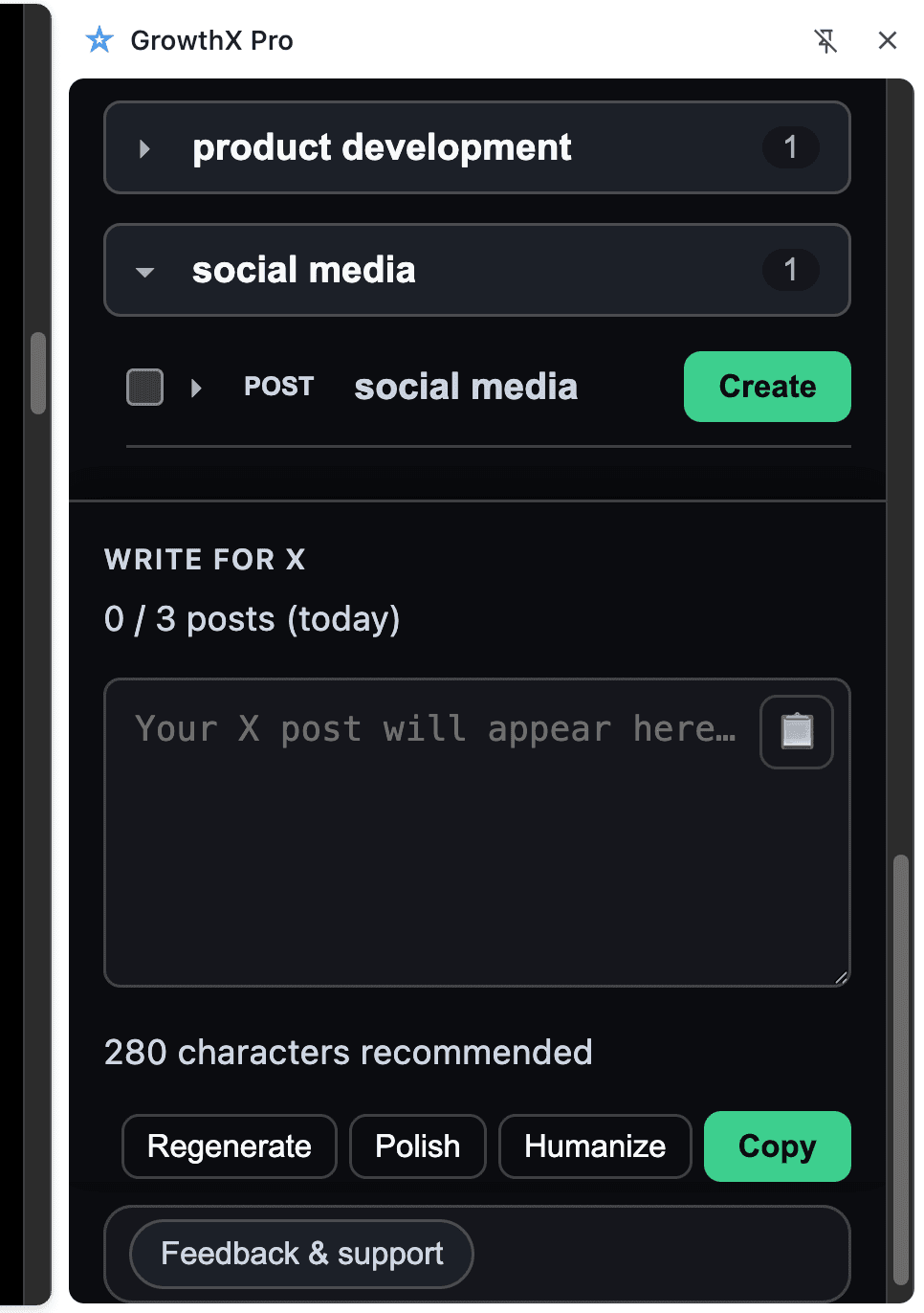
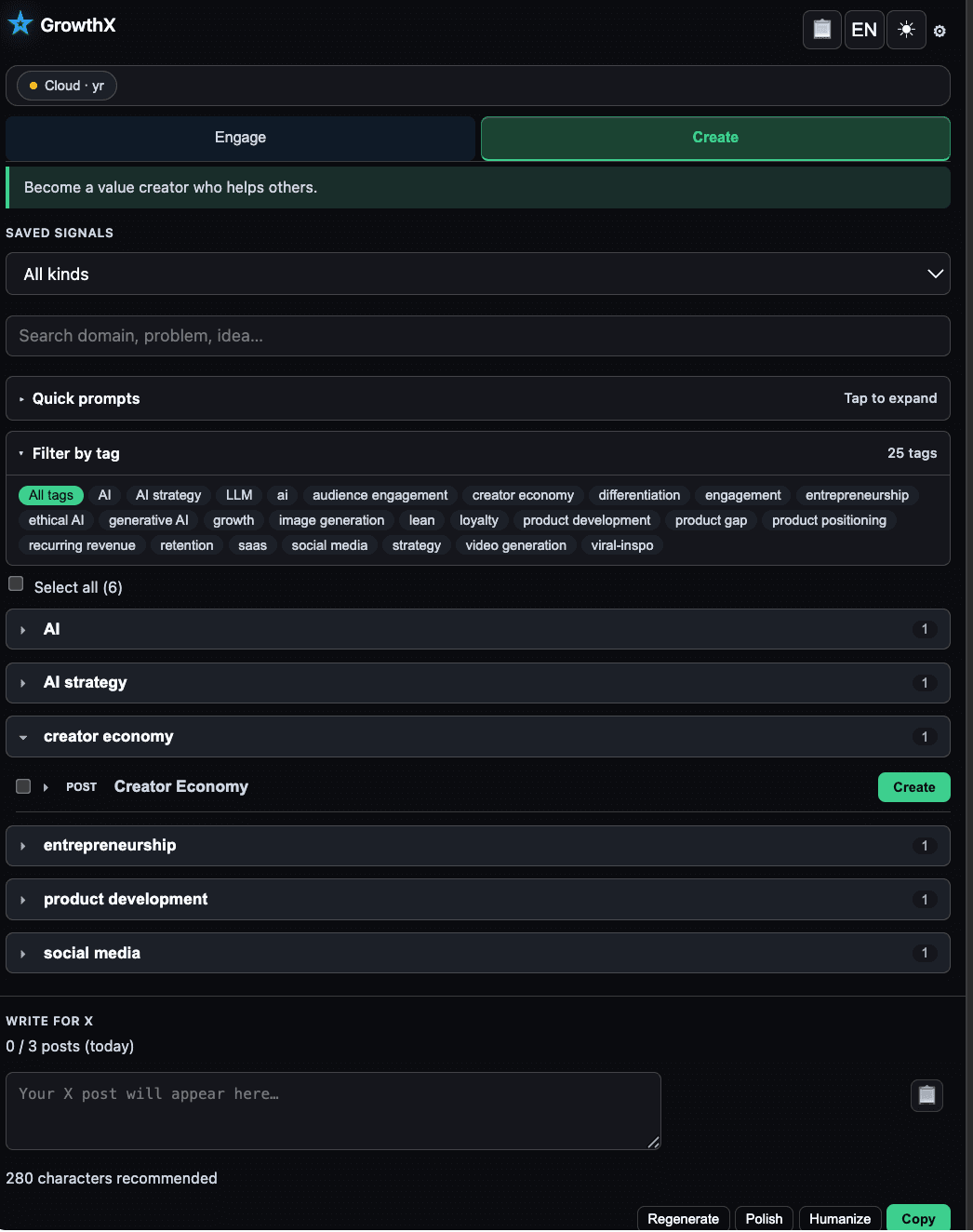
Two steps, one habit. Engage on days you read something worth answering. Create when a saved signal is ready to share. Both live in the same side panel on X.
Daily
Useful replies without the blank-box stare
Reply with value
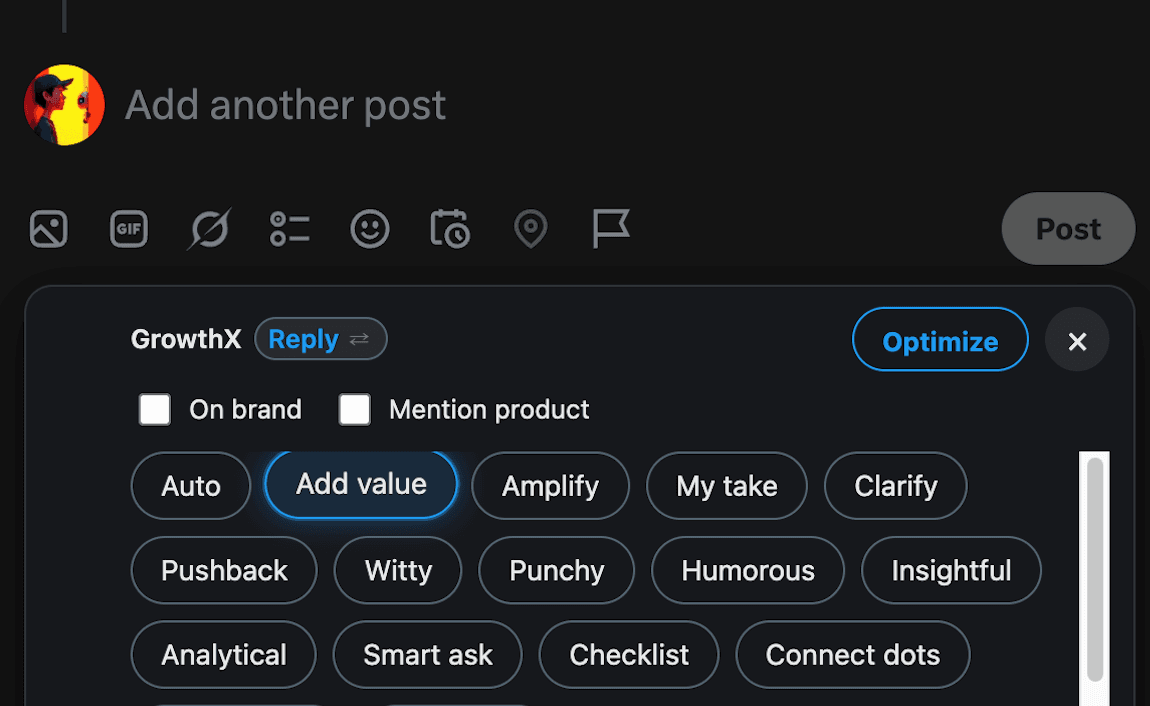
You already read the post. GrowthX Pro adds your take and what your work can offer, then returns a few reply angles that mix your experience with the author's point — not generic filler.
Stare at an empty reply box, or paste AI slop that could sit under any thread.
Start from what you read. Ship a reply that sounds like you showed up on purpose.
// In the extension
- 1Highlight on X
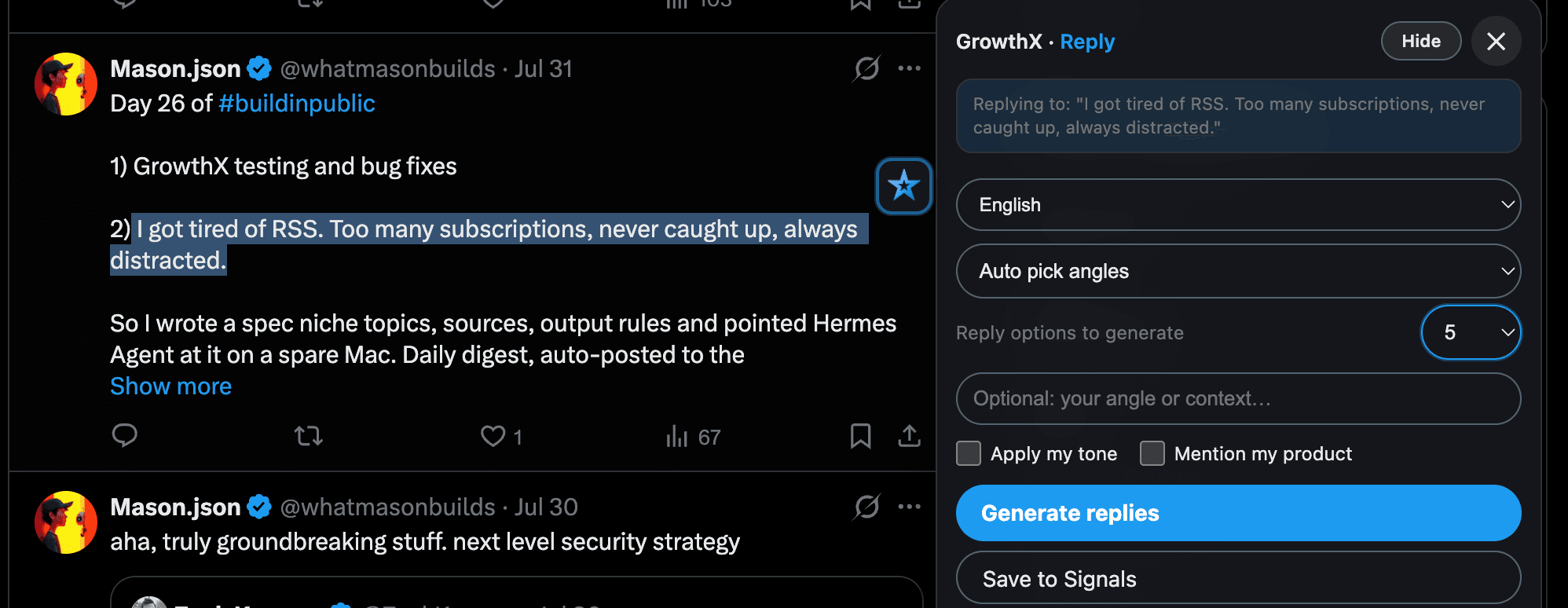
Select the sentence that caught you. ✦ Engage appears in context — no timeline scan.
- 2Add your take
One line on what you know or what your product can offer. Optional Brand Kit keeps the voice yours.
- 3Copy or Fill
Pick a draft, edit in the reply box, send yourself. Fill inserts only when you tap. Typical loop: a few minutes, not twenty.
“I built GrowthX for myself first. I was not trying to reply faster. I wanted help saying something useful after I had actually read the post: my experience, my work, and a few angles that still sounded like me.”
Mason · Heavy user · builder · @whatmasonbuilds
A good tool should feel easy to hold.
We want GrowthX to fit into how you already work on X, and to leave you a little sharper each day. We built it for our own loop first, not to maximize reply volume.
GrowthX started on the founder account. The habit was simple: read a post, add what we know and what our work can offer, then ask for a few reply angles that mix that experience with the author's point. We wanted to become useful in the replies, not just more present.
Someone wrote that post. They deserve a real read. GrowthX works best after you have taken the post in. It gives you more ways to say what you already think. It does not do the reading for you.
We push back on AI slop: comments that could sit under any thread. GrowthX never auto-posts or auto-fills without your tap. Copy, edit, Fill if you choose, send — you stay in control.
More comments is not the goal. Showing up as a clearer, more useful version of yourself on X is.
Your saves follow you.
Highlight post text on X → ✦ Engage → Save to Signals. Hooks and angles land in your local Signal Library, with tags you can filter later.
Draft replies with your input first. Optional Brand Kit and related Signals raise the odds you sound like you, with incremental value instead of generic AI.
Turn a saved Signal into a build-in-public draft. You see where it came from; you copy, edit, and post yourself.
AI suggests angles. You read, edit, copy, and confirm every send.
Cloud subscription. BYOK optional.
7-day free trial after sign-in: 30 hosted Cloud credits, or connect your own API key for unlimited drafts during the trial. No card until you choose Cloud monthly or yearly.
- Engage
Highlight text on X, add your take, get reply angles. Copy or Fill into an open composer — you always send.
- Create
Turn saved Signals into drafts with the source attached. Copy or Fill when you are ready — you publish.
- Signal Library
Save hooks and angles from ✦ Engage. Stored locally on your device; filter by tag when drafting.
- Brand Kit
Voice, audience, and product context in Settings so drafts sound like you — not generic AI.
- Human in the loop
GrowthX never auto-posts or auto-replies. Fill runs only when you tap to insert a draft you chose.
- Cloud AI + BYOK
Cloud includes 300 hosted AI credits per month. Add your own API keys in Settings anytime — as fallback when credits run out, or as your preferred path.
After sign-in, open Account & plan in the side panel: Cloud monthly ($12) or Cloud yearly ($69). Add BYOK keys anytime in Settings.
Payments by Stripe. Card data never touches our servers. Cloud subscriptions renew until canceled. BYOK keys are optional in Settings — no separate purchase required.
Install GrowthX
Add GrowthX Pro from the Chrome Web Store when the listing is live. Open any X page to start.
Sign in
Use your email and the verification code from your inbox. No password.
Start your 7-day trial
Use 30 Cloud credits during your trial, or connect your API key in Settings for unlimited trial drafts.
Choose Cloud
Account & plan: Cloud monthly ($12) or Cloud yearly ($69). Add BYOK keys anytime in Settings.
Follow the ship log on X
GrowthX runs on the founder account every day. Follow the ship log while we build in the open.
Heavy user first. Builder second.
Follow @whatmasonbuilds →Join the GrowthX waitlist
Get notified when the Chrome Web Store link goes live, plus product updates while we ship.